
 Kallarity · User Guide Documentation
The Home page
The Home page is your hub. From here you can reach every area of Kallarity in a single click. Use it as the launch point for everything else in this guide.
Navigating from the Home page
From the Home page you can:
- Open the Contracts page to view and manage every contract.
- Open the Microsoft portal to manage licenses and support tickets and browse the feature matrix.
- Review Renewals coming due in the next six months.
- Reach your Opkalla support team in one click, or use the feedback form to send requests straight to Opkalla.
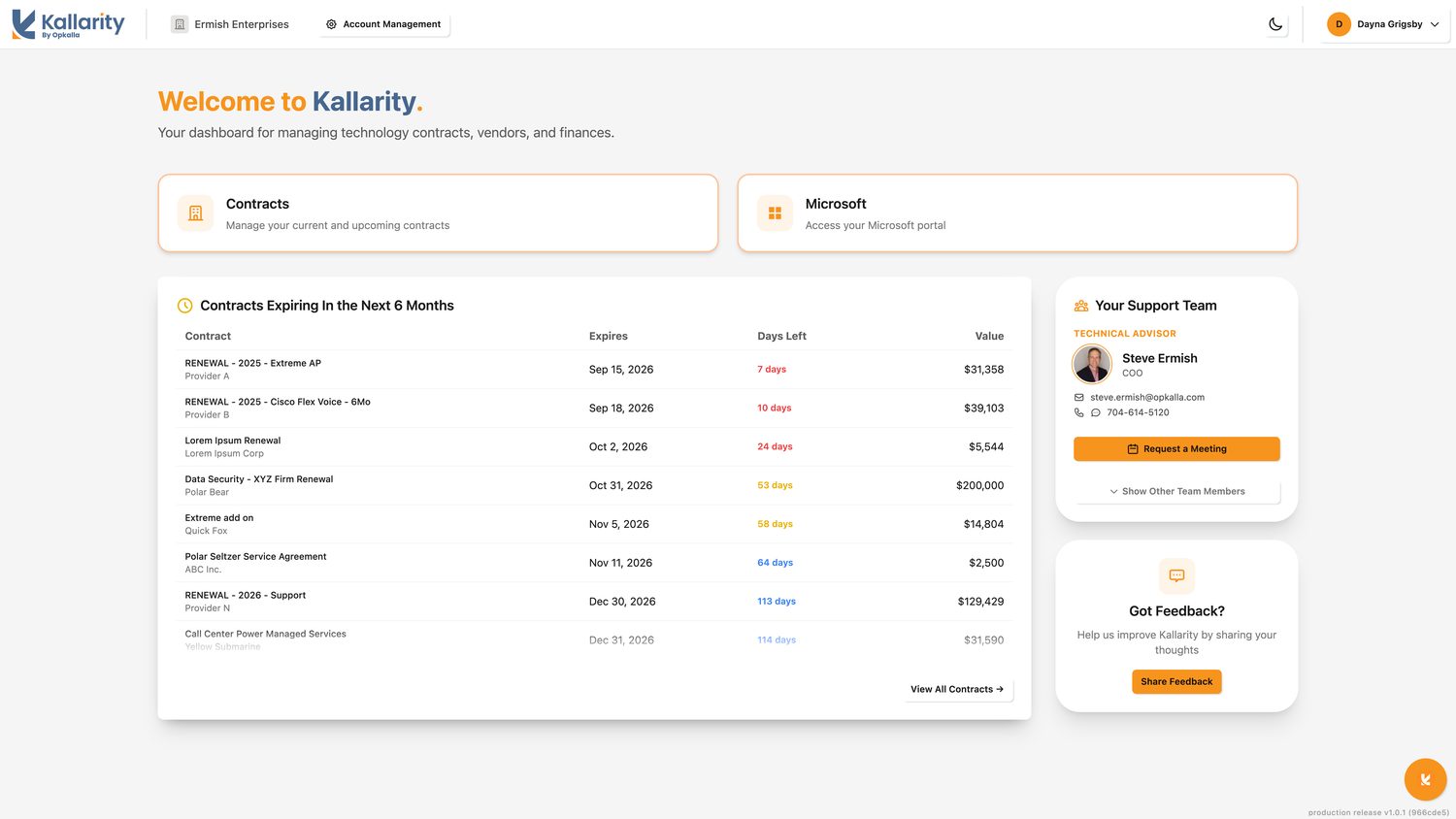
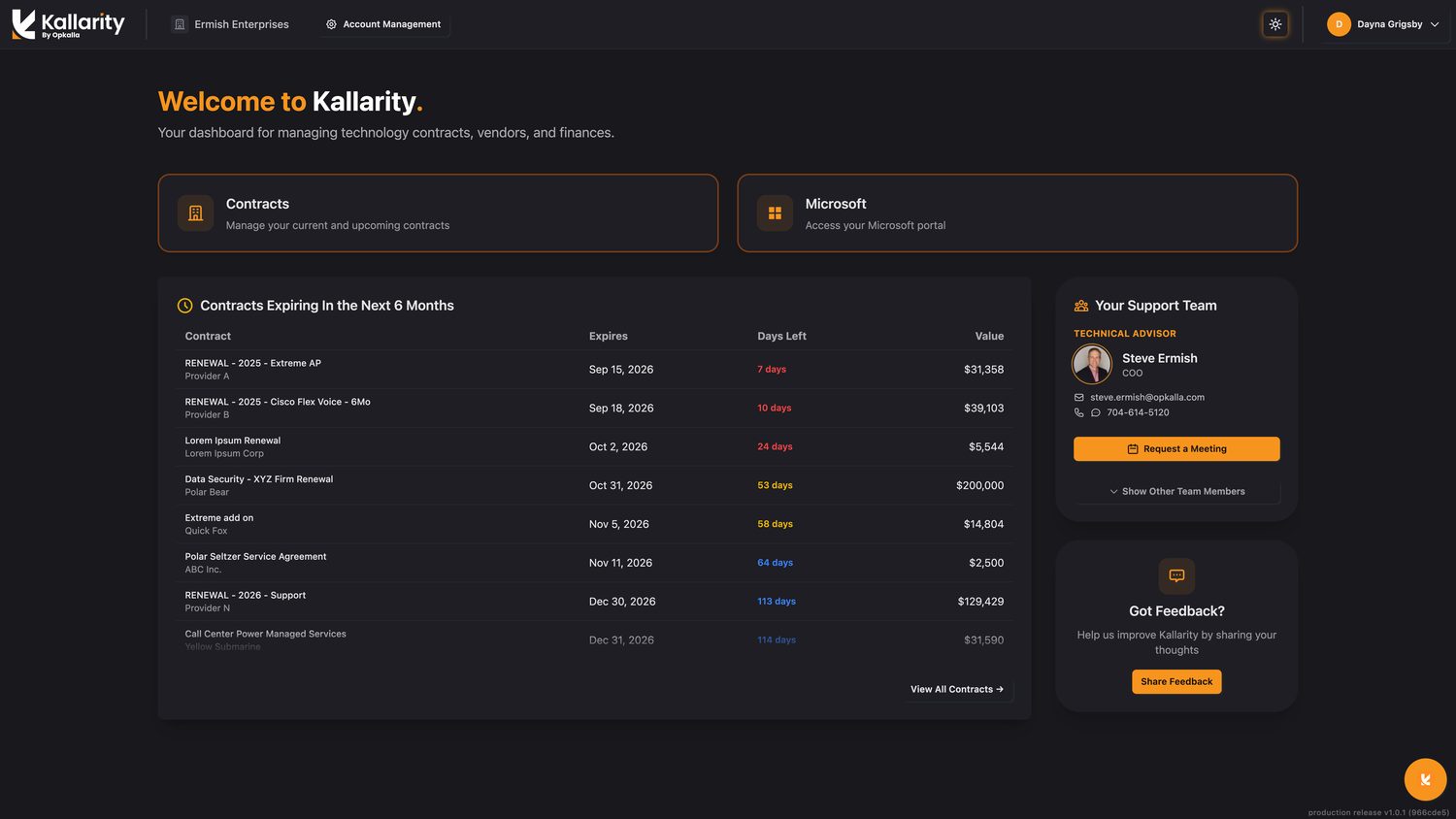
Light and dark mode
Kallarity supports both a light and a dark theme. Use the theme toggle in the upper right to switch between them at any time.
Account Management
If you manage the account, Account Management is where you add users and set permissions. See
Account management for the details.
production release v1.0.1 (63303cc)