
 Kallarity · User Guide Documentation
Exporting your data
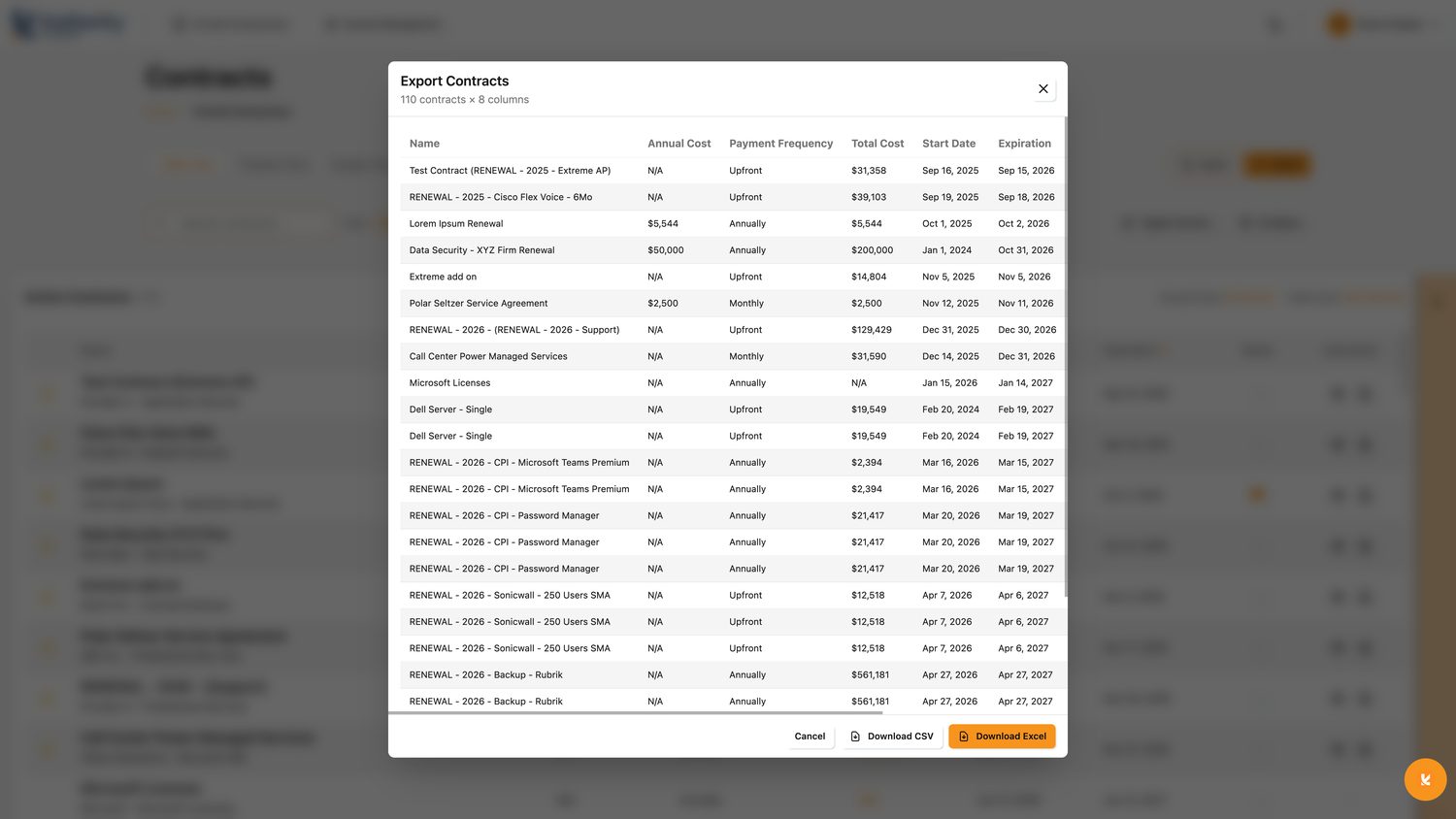
Need a report or a dataset to share? In Kallarity it's as simple as filter, then export. What you see is what you get.
Filter, then export
- Filter the tableNarrow to what you actually want: a provider, a date range, a category, or any combination.
- Click ExportChoose your format, CSV or Excel, whichever your workflow needs.
- Use your fileThe export matches your filters exactly, ready to drop into a report or send to your team.
Tip
Change the filters and the export changes with them. Slice your contract data any way you need.
production release v1.0.1 (63303cc)